





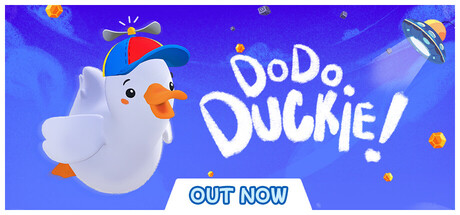
Dodo Duckie
Xbox Cloud Gaming
Where to play YOUR NEXT GAME. YOUR NEXT CLOUD.
Discover where your games are available in the cloud. Explore services, compare access options, and find your next session.
7,544 games with active cloud listings One place to explore
FIND YOUR PLATFORM
Explore the games listed for each service.
DISCOVER SOMETHING DIFFERENT




LESS SEARCHING. MORE PLAYING.
Cloud Gaming Z helps you find where to play. Streaming happens on the service you choose.
Search by title or explore the catalog by service, country and access type.
Open the game profile to see listed services, regions and when availability was last verified.
Check the service’s requirements, connect your account and start playing.
BEFORE YOU PRESS PLAY
It depends on the game and service. Some listings require a game purchase, while others are included in a subscription or need an extra pass. Check the access information on the game profile and confirm with the provider.
Supported devices vary by service and game. Use the catalog’s device filters to find verified listings, then check the provider’s current requirements.
No. Availability varies by region and account. A global source listing does not confirm access in every country. Check the region and verification date shown on each game profile.
A free-to-play game can still require a paid cloud service membership. Game access and streaming access are separate requirements.
THE NEXT SESSION IS YOURS